Welcome
Learn more
about your Philips
shaver S9000 Prestige
Get started with how-to videos, find answers to frequently asked questions or get support from our team.
On this page


Getting started
How to get most out
of your shaver
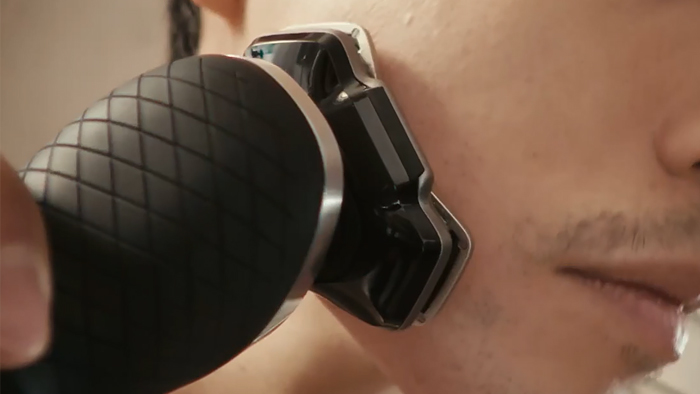
1. How to use your S9000 Prestige shaver
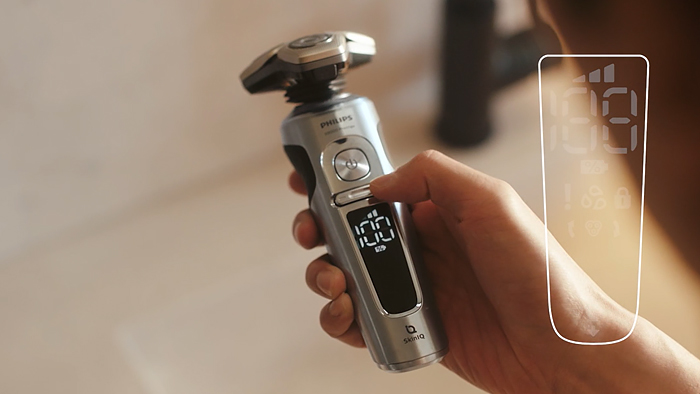
2. Navigation, icons and lights on the S9000 Prestige shaver
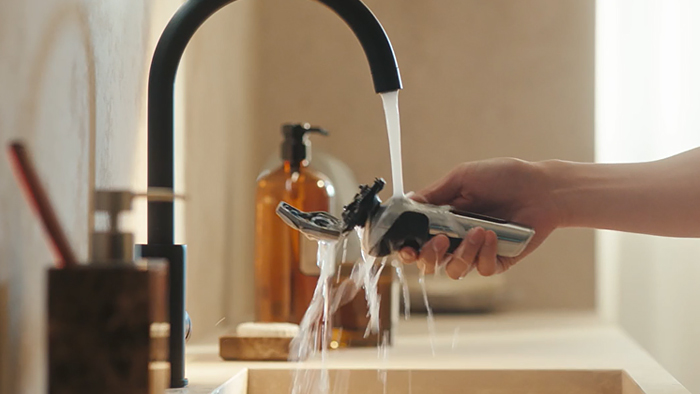
3. How to clean your S9000 Prestige shaver
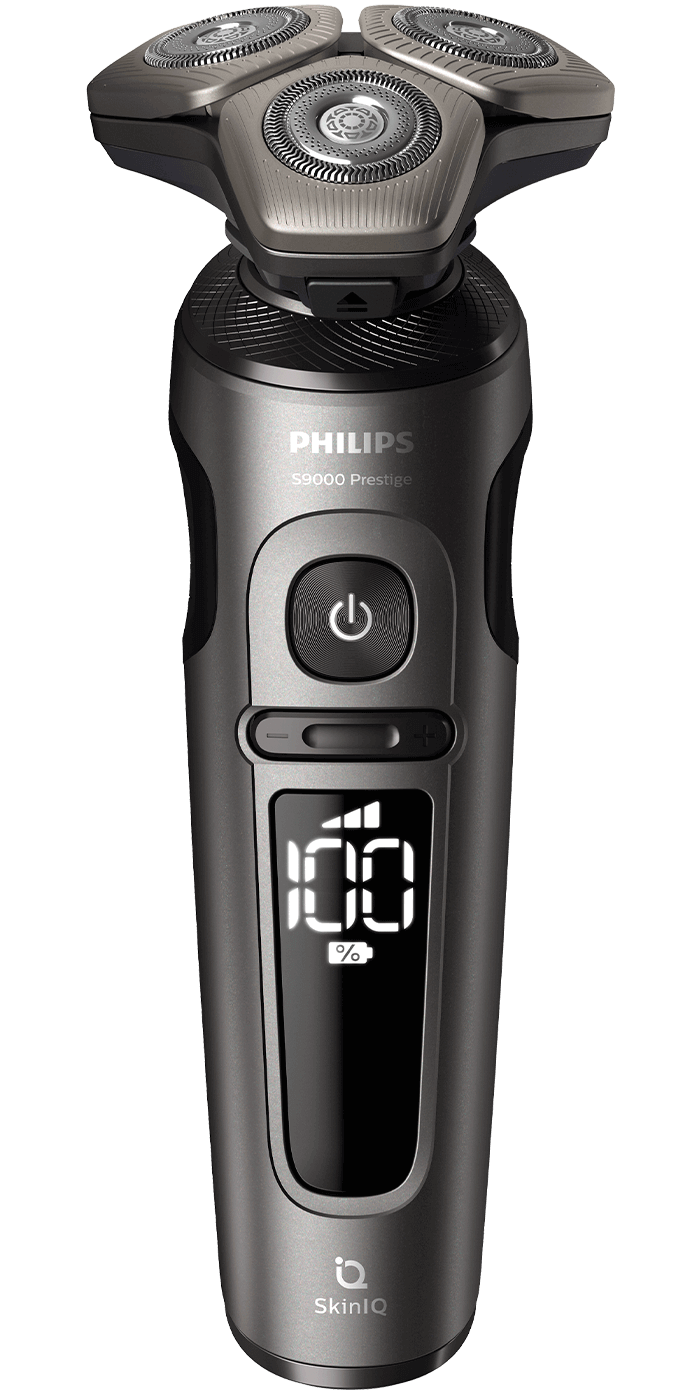
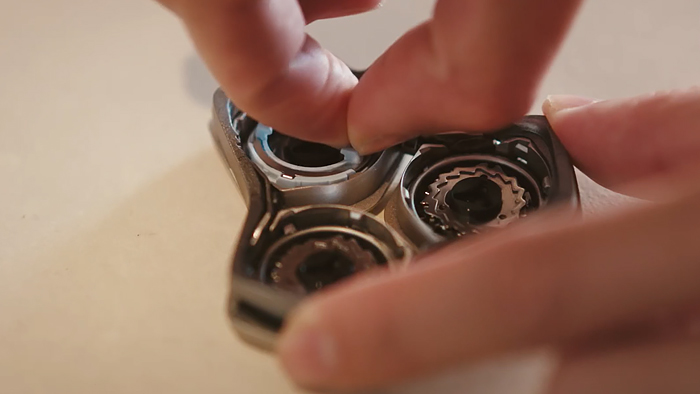
4. How to replace the shaving heads on the S9000 Prestige shaver
Register your product
Register your shaver and get +3 years extra warranty
Sign up to stay informed and register your
product within 90 days after purchase.

2 + 3 Warranty

Inspiration and tips
Step 1: Create an account
Step 2: Register your shaver. Once your register your product, you will receive a confirmation email containing your extended warranty.
Register your product
Register your shaver and get +3 years extra warranty
Sign up to stay informed and register your product within 90 days after purchase.
2 + 3 Warranty
Inspiration and tips
Step 1: Create an account
Step 2: Register your shaver. Once your register your product, you will receive a confirmation email containing your extended warranty.
Customer Support
We’re here to help whenever you need us
Customer support
How can we help you?
Frequently Asked Questions
- Can I replace the battery of my Philips Shaver?
- What do the symbols on my Philips Shaver mean?
- Which foam or gel can I use with my Philips shaver?
- Which Philips shavers are compatible with the Quick Clean Pod?
- How do I get the best results with my Philips shaver?
- When should I replace the cartridge of my Philips cleaning station?
- Can I charge my Philips shaver after every shave?
- Can I travel with my Philips grooming or beauty product?
- How do I remove the shaving heads of my Philips Shaver?
- My skin is irritated after using my Philips shaver
- How do I clean my Philips Shaver?


