Healthy lifestyles start here. Sign up and get exclusive offers
2 year warranty
TV
All series
widescreen flat TV
Discontinued
Support
37PF7321/79
Go to shop
Log in or create an account
You instantly have access to manuals, tailored support and more. Plus it’s quick and easy
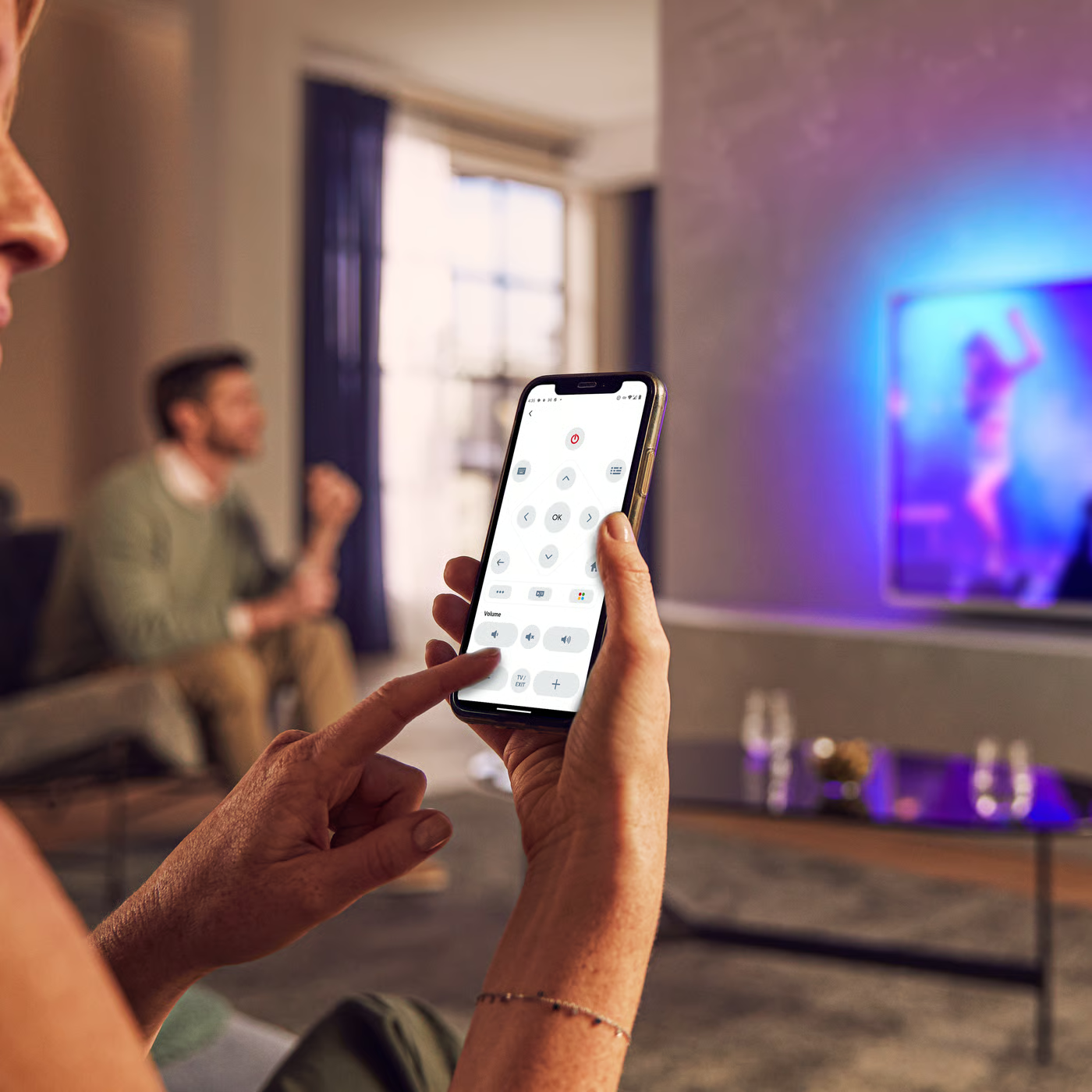
Control your TV with your smart device
The Philips Smart TV app turns your smartphone or tablet into a smart remote, letting you switch channels, adjust volume, browse apps, and fine-tune your Ambilight settings with ease.
Localized commercial leaflet
User manual
All (7)
How to clean the Philips LCD TV screen?
Do I have connect the antenna to the Philips TV if I use HDMI connected accessory devices?
How to get a picture on my Philips TV when I get the message “HDCP-error” on the screen or on the display of the external device?
How to switch to another channel at a specified time while watching another channel in Philips TV?
How to automatically install new channels in Philips TV?
How to remove the letter F in the upper right hand corner of Philips TV screen?
Short flickering lines appear on a blank screen before the picture and sound appears, each time when selecting in the AV menu in Philips TV
I am not able to get Picture-in-Picture (PIP) window on my Philips TV screen when using VGA connection.
Check the terms of your warranty and start a product exchange or repair
Warranty
Our product warranty policies
Contacting Philips
We're happy to help you